
“CLP Post-Install Configuration” Fix Script. The introduction of this Fix Script simplifies the post-installation configuration and version update processes.
New Portal Pages
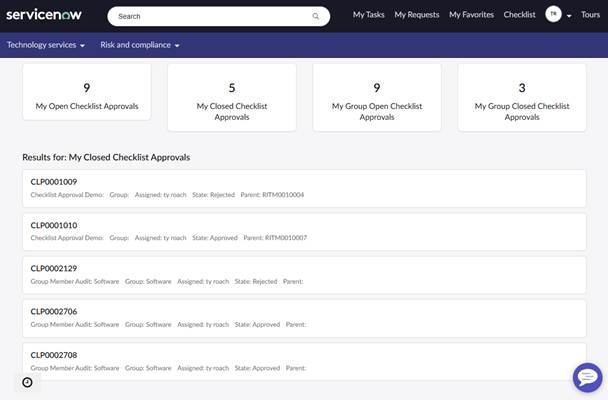
- clp_approval_status: shows all CLP Records set as “Checklist Approvals” (approval=true) assigned to you and your groups
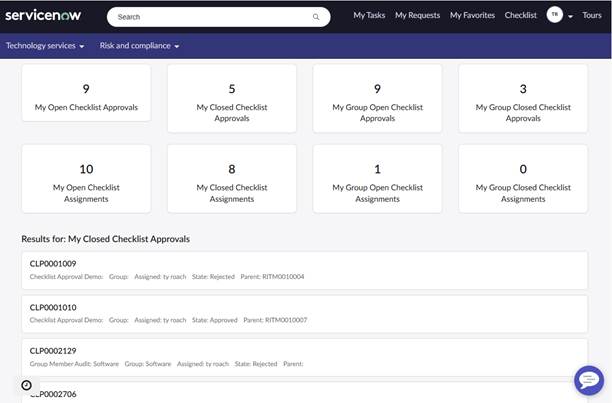
- clp_record_status: shows all CLP Records (i.e., “Checklist Approvals” and “Checklist Assignments”) assigned to you and your groups
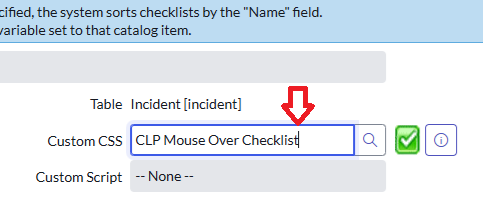
A new pre-built “Custom CSS” option called “CLP Mouse Over Checklist”, available on the Checklist Configuration form
API (Script Include) for copying from Checklist Item to Variable and Variable to Checklist Item
- new x_tygr_check.CLPVarChecklistUtil().clpChecklistToVar()
- new x_tygr_check.CLPVarChecklistUtil().clpVarToChecklist()
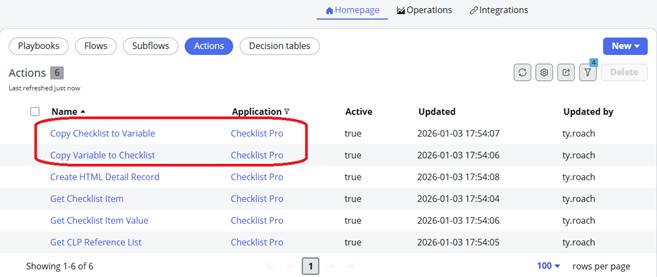
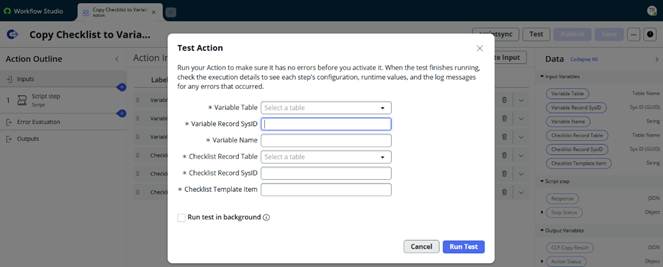
Flow Designer Actions for copying from Checklist Item to Variable and from Variable to Checklist Item
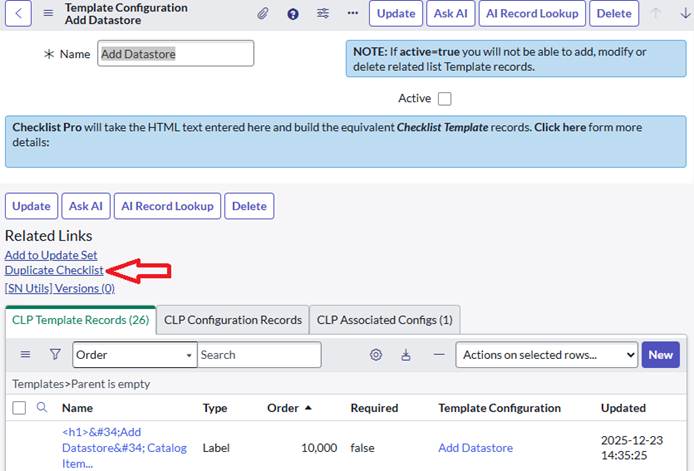
Duplicate Checklist UI Action on the Template Configuration page – allowing for full checklist template duplication.
A new “Treat as HTML” checkbox on all Template records. Setting value to true causes the “Name” field to be treated as HTML in the UI16, Service Portal and Employee Center user interfaces

Three new Checklist Item data types:
- Datetime – captures both date and time information
- List – allows selection of zero or more reference field records
- Multiple – allows selection of zero or more options
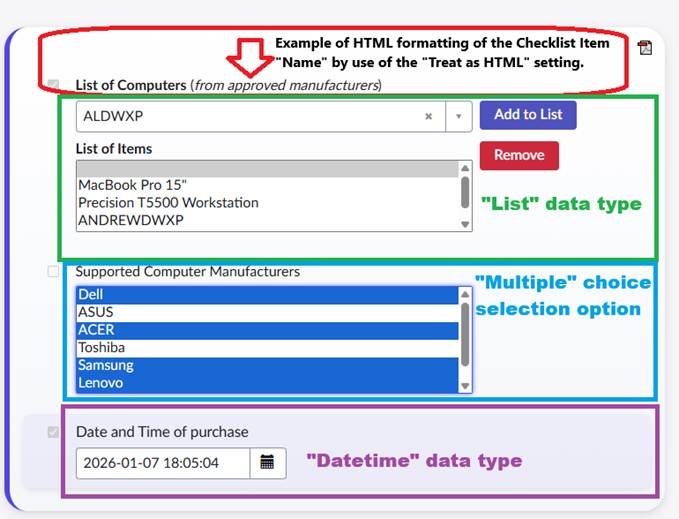
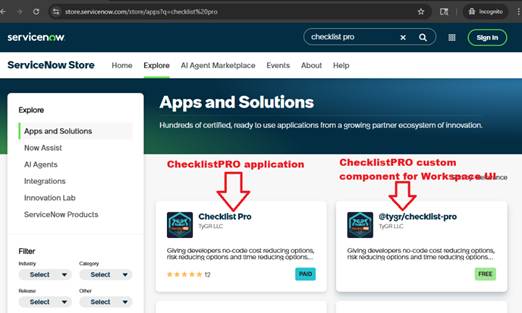
Updated ChecklistPRO custom component: @tygr/checklist-pro (v2.0.1). This version fixes several bugs and adds support for the 3 new Checklist Item types: List (of reference fields), Multiple (choice selection options), Datetime.
API (Script Include) for managing “List” data types. Checklist items of type “List” contain a reference (sys_id) pointing to a record in the x_tygr_check_reference_list table. The CLPReferenceList script Include has these APIs for managing “List” data:
- new x_tygr_check.CLPReferenceList().getSysIDList(item) – this will return a comma separated list of sys_ids for the LIST checklist item.
- new x_tygr_check.CLPReferenceList().getDisplayNameList(item) – this will return a comma separated list of LIST item display values.
We posted this video to our youtube channel, highlighting key ChecklistPRO features from versions v4.0.2 and v4.1.1